



Winner of the TechBehemoths Awards 2025
An independent award from TechBehemoths, the platform where clients review IT companies.
View certificateFor companies whose teams lose time looking for answers
A private AI assistant for your team: ask a question and get the answer from your own documents, with the source, in Slack, Teams or your intranet.
 Award winner 2025 TechBehemoths
Overview
Your people already have most answers somewhere: a folder, a wiki page, a colleague. We build an AI assistant in Slack, Teams or your intranet that finds the right paragraph, shows its source and respects who may read what.
Book a call
It searches Drive, SharePoint, your wiki and PDFs, and shows each person only what they are allowed to see.

Single sign-on, per-user permissions and logs, on our cloud or on your own servers.

We read the questions it couldn’t answer, add the missing sources and report how often it gets things right.
Our projects
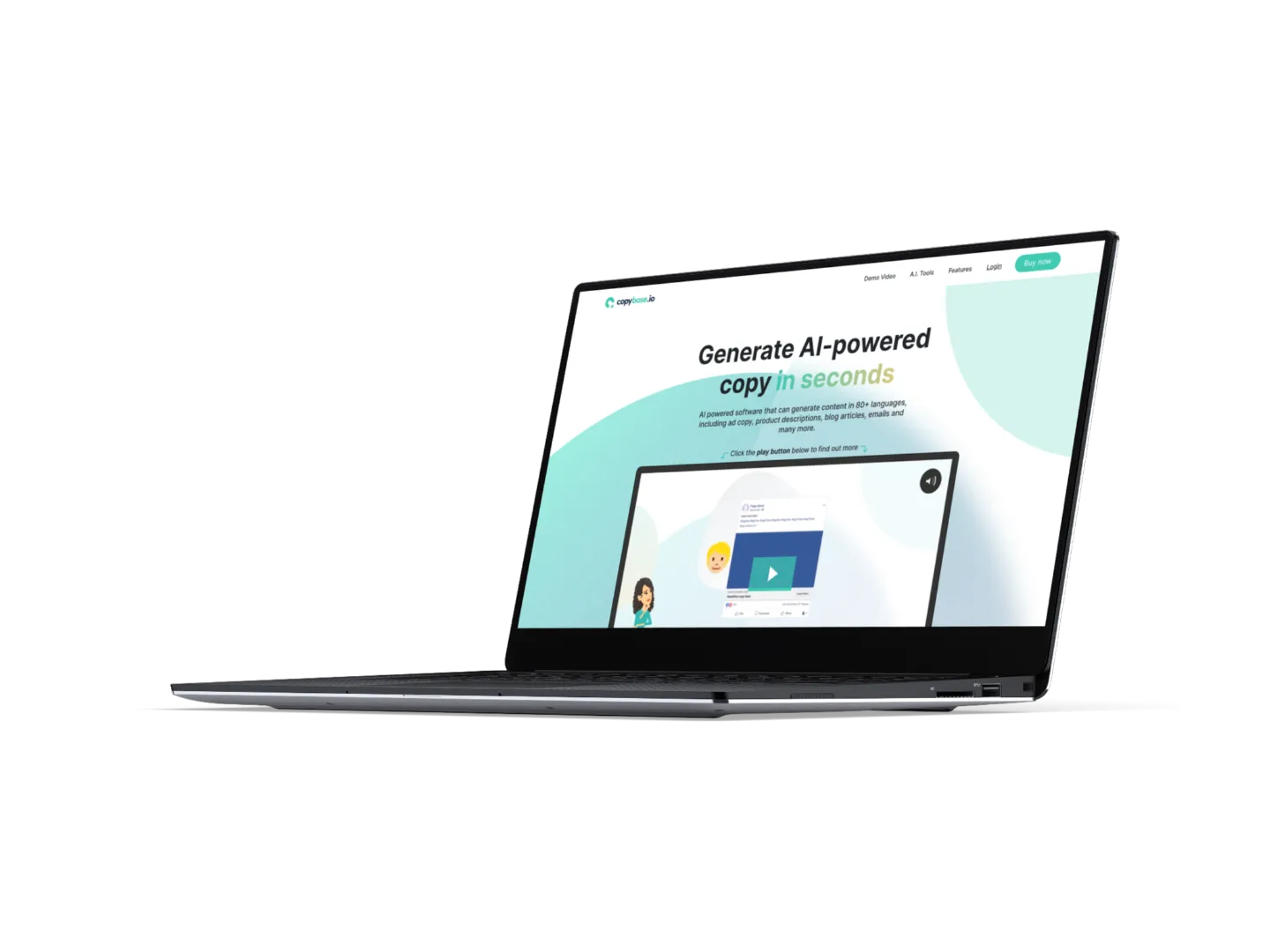
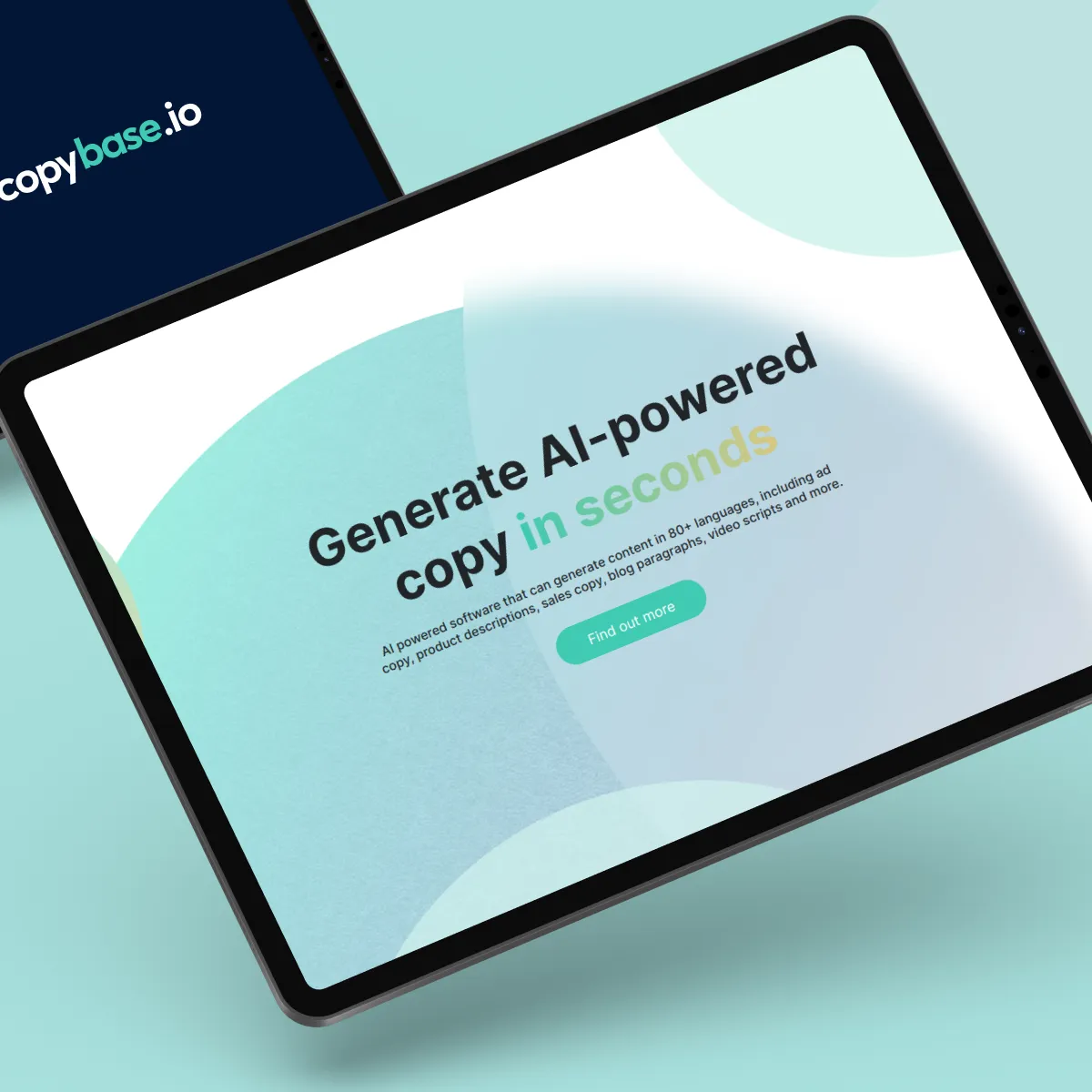 CopyBase Generate AI-powered copy in seconds
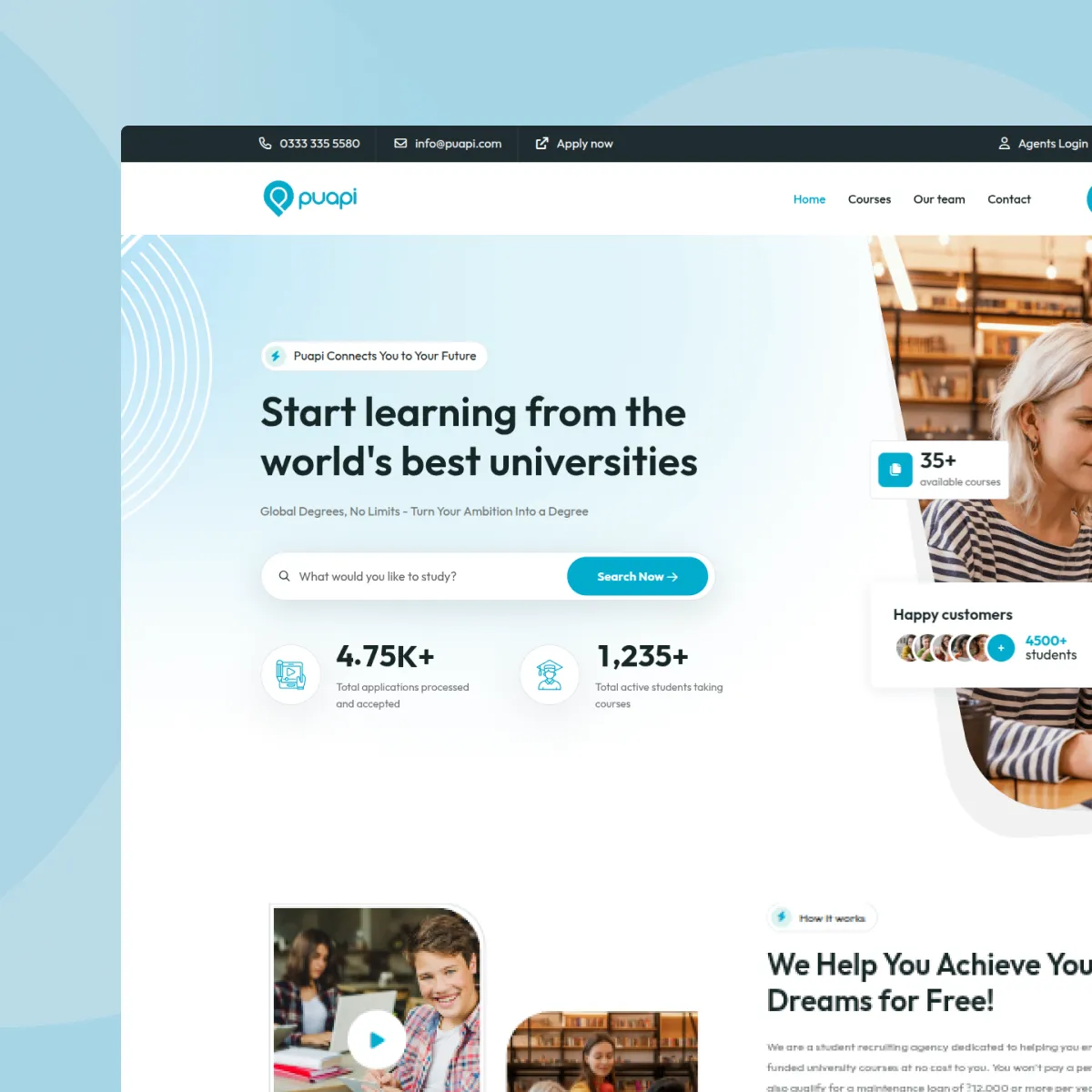 Puapi Education Integrated Platform for Managing Enrollment, Assessment, and Consulting in Higher Education
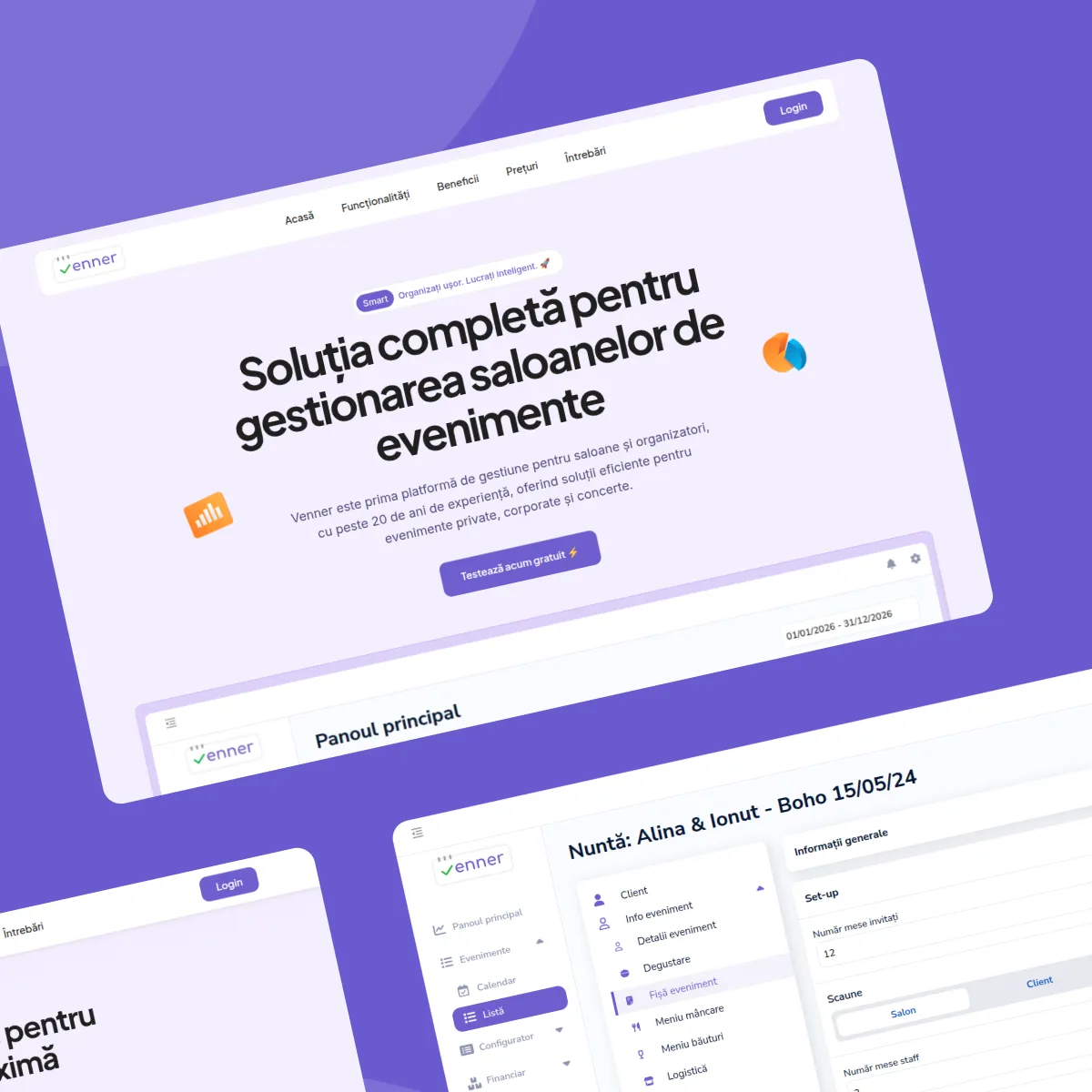 Venner Event venue and event organizer management platform
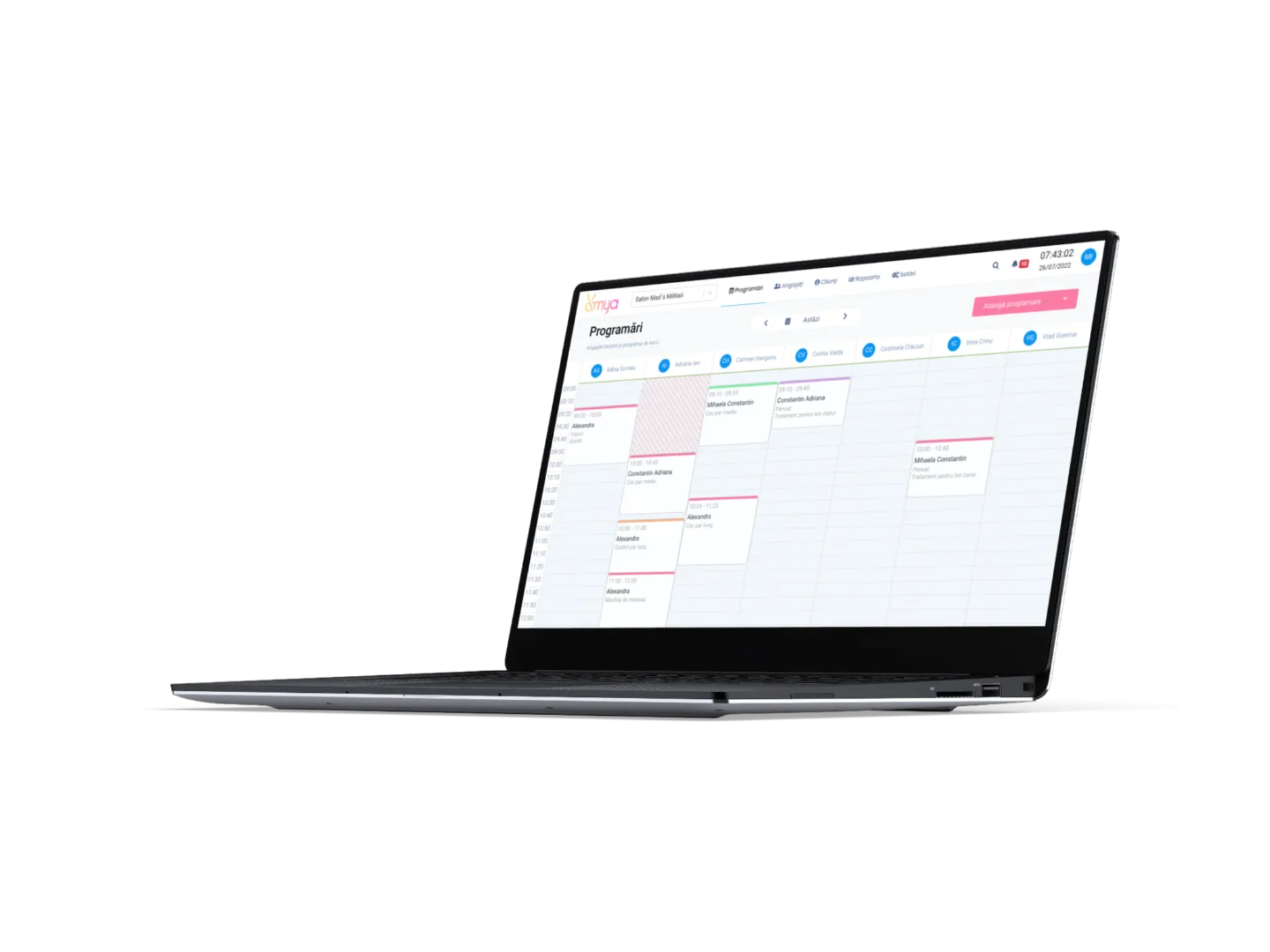
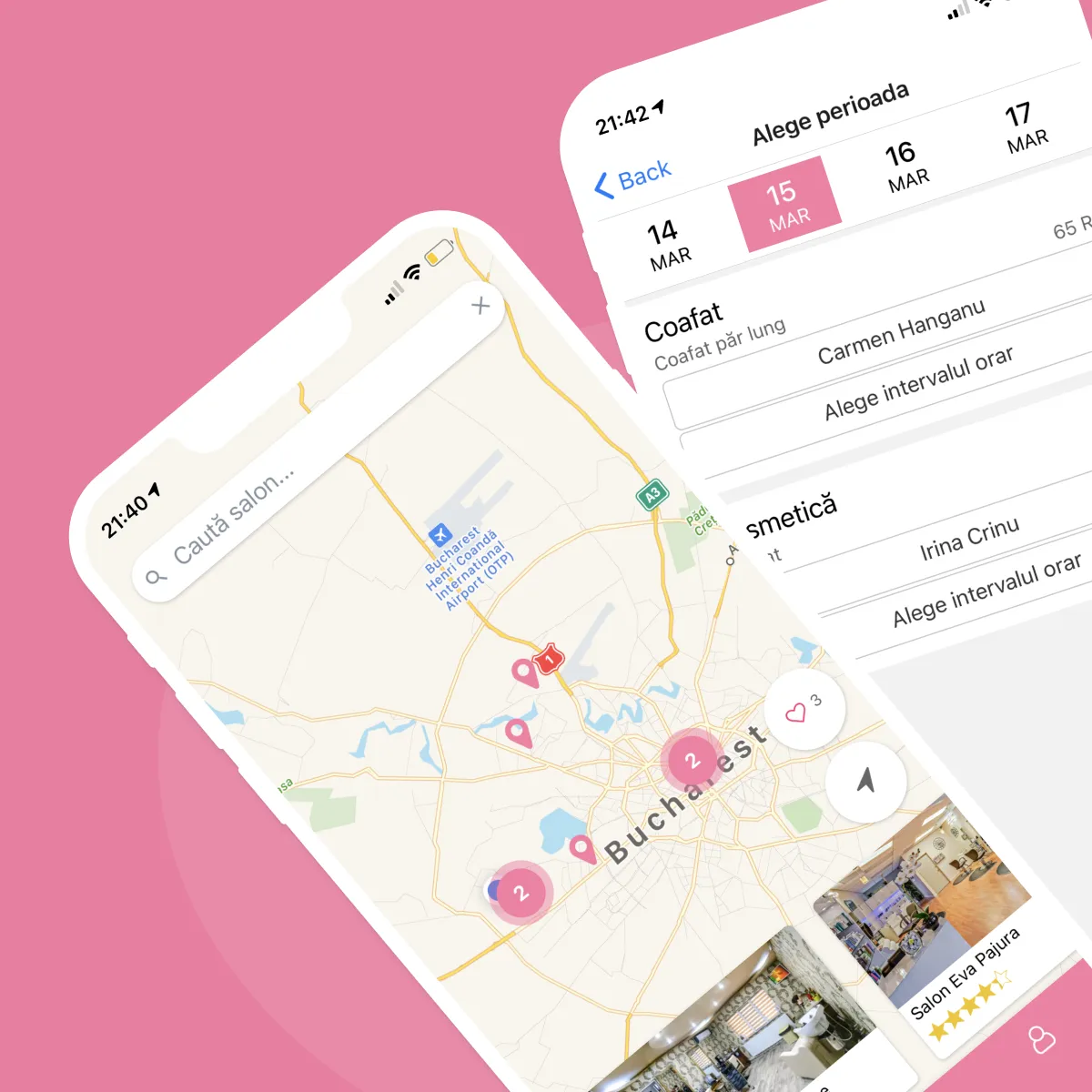 Amya Smart Appointment Scheduling for Salons & Spas
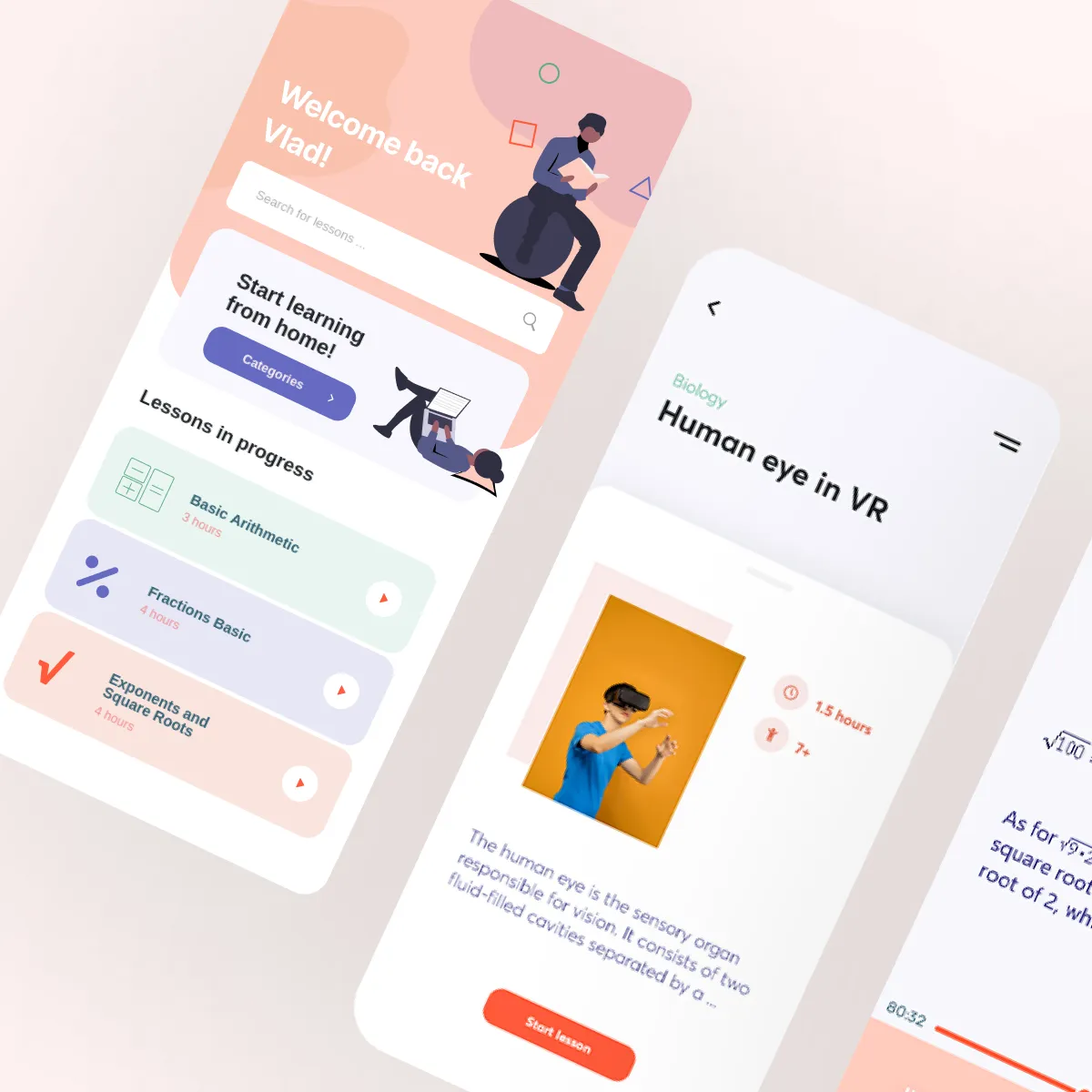 eLessons Online learning platform to improve your skills
Scope
What an assistant project covers, from the first workshop to support after launch. If you need something that isn’t on the list, we’ll tell you up front.
Get an estimateRecognition
Independent awards and client reviews, not just our own word.
An independent award from TechBehemoths, the platform where clients review IT companies.
View certificate 
Listed by Clutch among the top Symfony developers in Bucharest, based on client reviews.
Reviews on Clutch 
Listed by Clutch among the top React Native developers in Bucharest, based on client reviews.
Reviews on Clutch



















Use cases
Assistants save the most time where knowledge is scattered across documents, people and tools. To work through a task across systems, see AI agent development; for customer-facing chat, see AI chatbot development.
Ask in plain language and get the answer with its source from your wiki, policies, contracts and manuals.
Long threads and meeting notes turned into a short summary with the decisions and next steps.
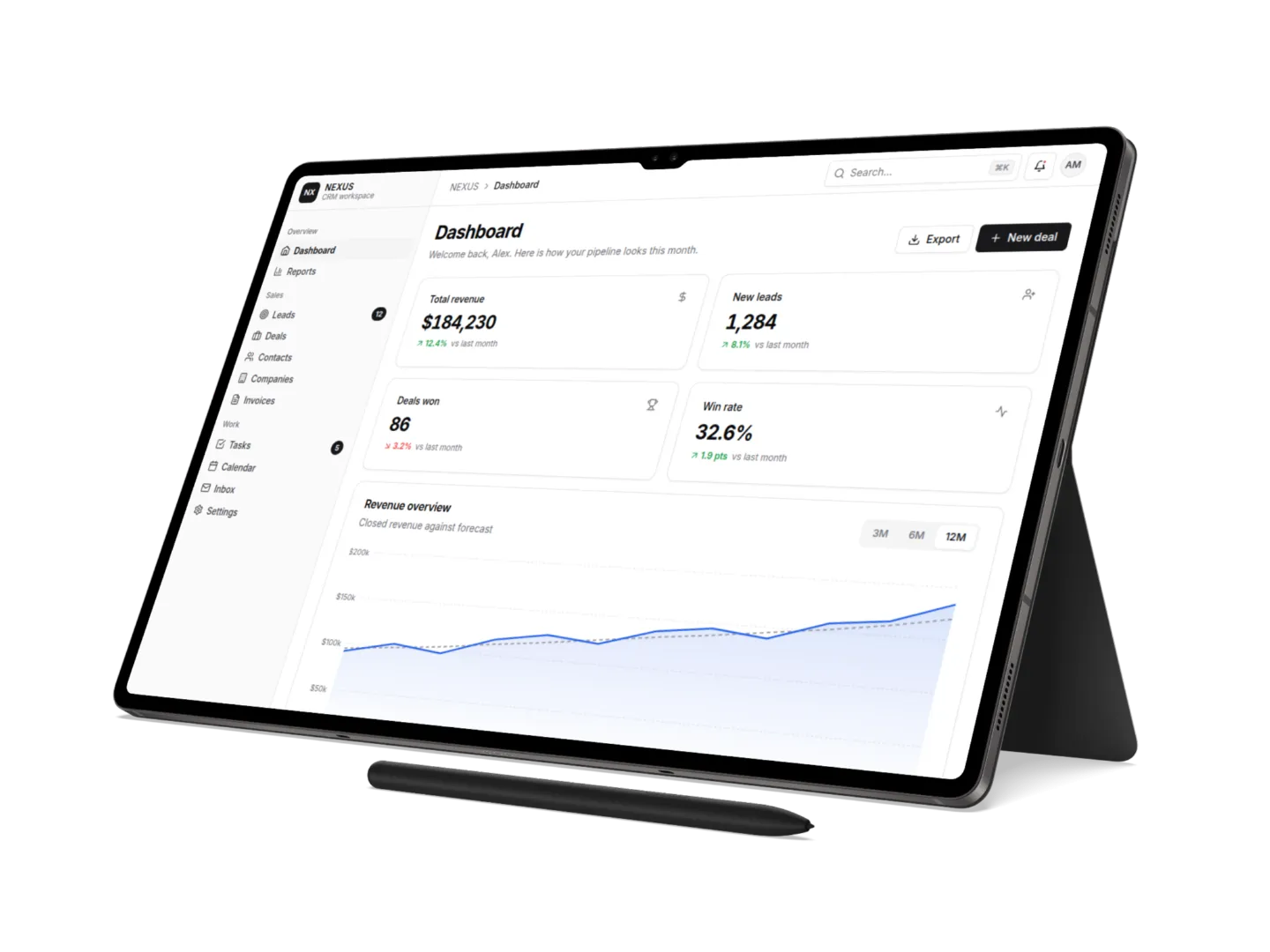
Ask about sales, support or stock in words and get figures and a chart instead of waiting for a report.
New colleagues get answers without interrupting the experts.
Drafts a first version from past proposals and your product documentation.
Policy questions answered from the right documents, visible only to those allowed to see them.
Access and privacy
An assistant must never show the HR file to sales. Access control is built in from day one.
Get an estimateAnswers come only from documents the signed-in person can already open.
We work with AI providers that do not train their models on your data.
When the data is sensitive, the assistant and the model can run in your infrastructure.
We sign an NDA before we start and process personal data in line with GDPR.
How we work
We start with one team and one set of questions, then widen.
We find out what your people ask and where the answers live, and decide which documents the assistant may use.
We connect your document stores and sign-in system so answers follow the permissions you already have.
A pilot group asks real questions. We measure correct answers with sources and fix the gaps in your content.
The assistant opens to more teams in Slack, Teams or your intranet, and we keep reviewing the questions it misses.
Technology
We choose per project. These are the tools we know well.
Engagement models
Launch for one team at a fixed price, roll out month by month and keep the answers accurate. You always talk to the people who build your assistant.
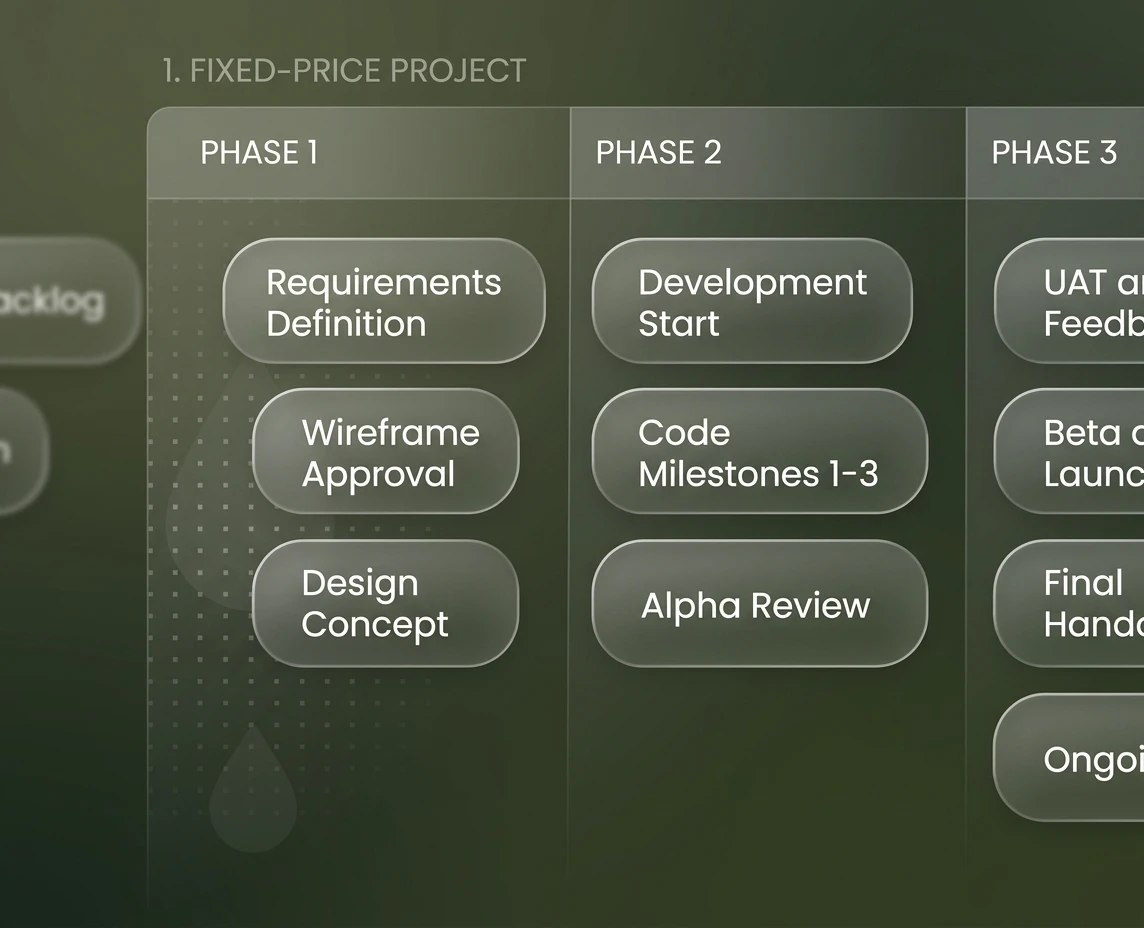
One team, one set of documents and a working assistant in about four weeks, then more phases, each priced up front.
Get a quoteBest if you want proof before a bigger decision.
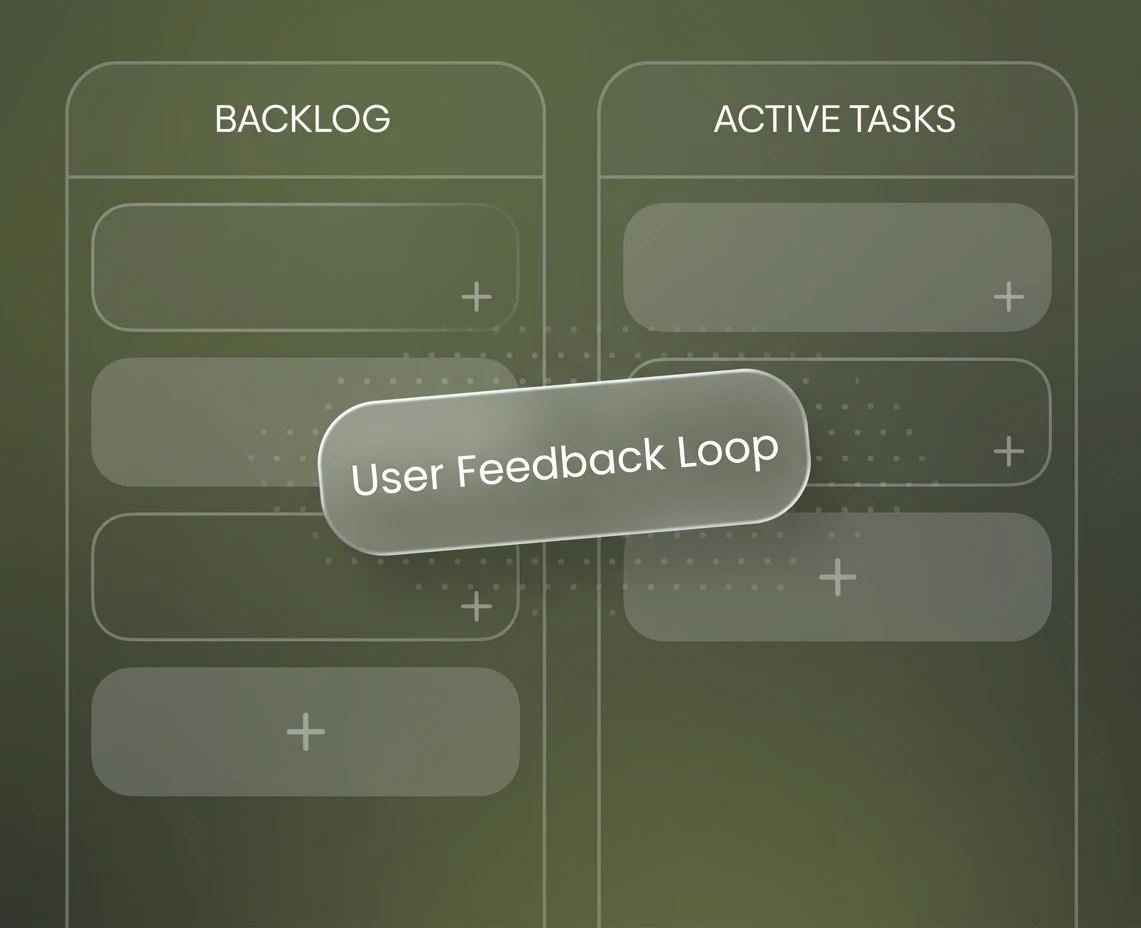
Monthly capacity to add teams, sources, single sign-on and permissions, guided by how people use it.
Get a quoteBest when the pilot has proven its value.
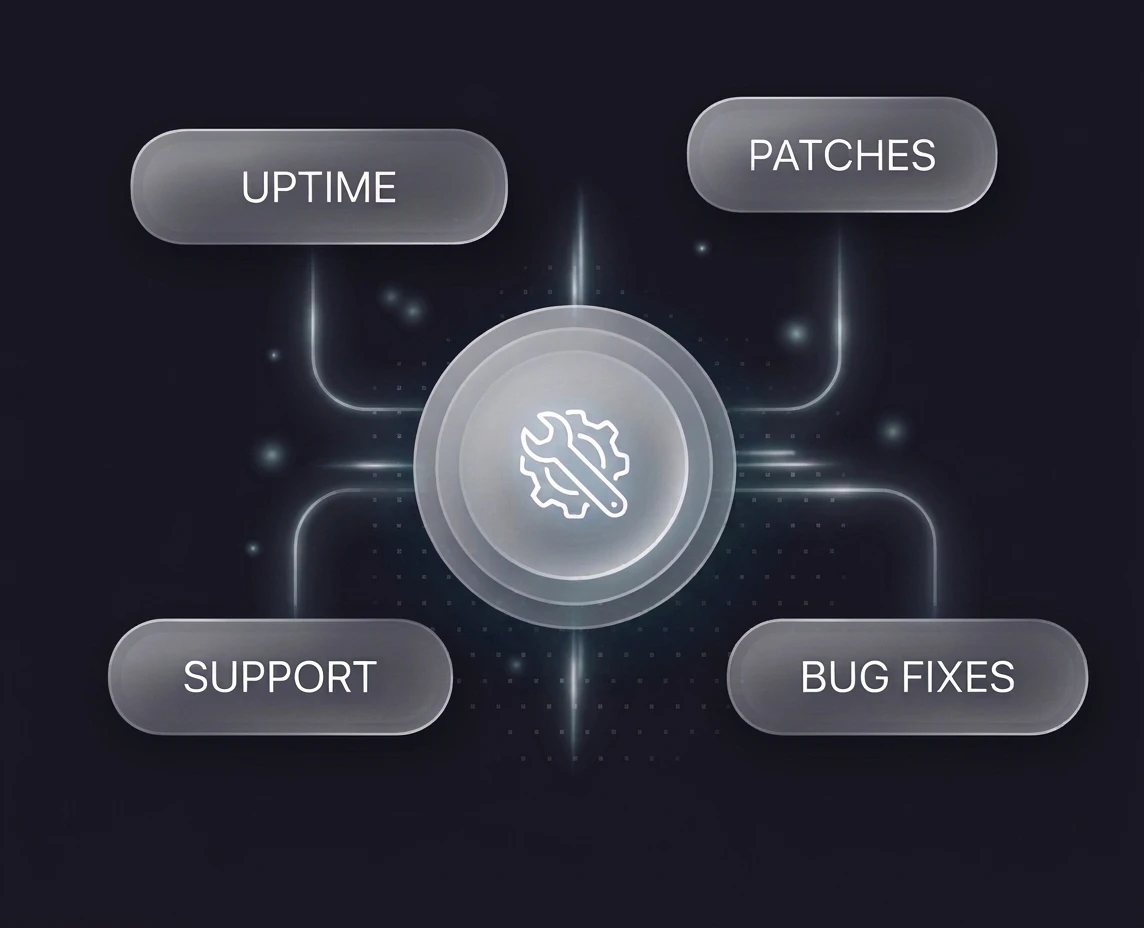
Monitoring, fixes and model updates, so answers stay accurate as your documents and people change.
Get a quoteBest for assistants already in daily use.
Testimonials
Reviews from founders and teams we have built products with, also published on Clutch and TechBehemoths.
Softclaire is development company unlike (many) others. Friendly and flexible, good with deadlines and trustworthy. Experts in multiple fields. We are very happy to work with them as development partner. Very much recommended!
 Arno Bakker Co-owner at Mediascape
We have been working with Softclaire for almost 2 years now, on our main product - an online gaming website, play-games.com. Being in the web games niche, things change fast so we need to adapt on the go - and we can trust them with this. They are easy to work with, proactive, and manage work flow very well. We value their transparency and their perseverance in every task they undertake.
 Stefan Naghi Co-founder at FIRST PIXEL SRL
We approached Softclaire with nothing more than an idea and a few initial mockups for our SaaS product. Their team stepped in guiding us through strategic planning, development and devops. We are still working with them for ongoing maintenance and feature updates. If you're looking for a reliable, long-term technical partner, I highly recommend them.
 Alexandru Mihalache
Within 6 months of our app launch we have gained 750 users. We have had a huge boost in traffic on the platform since launch and have multiple 5 star ratings on the App Store. We have also had comments from other software developers commenting on how brilliant the app is structured.
The team delivered everything on time and provided a mind map to showcase the progress. Overall, they were very flexible and committed to meeting expectations.
We had an idea for a tech startup in the medical niche, but we lacked the expertise to design and develop a product of this scale. Thankfully we found an amazing team that guided us through the process every step of the way.
 Aron Dumitrache Medtech Innovator
A few months ago, I contacted them for a custom Perfex CRM module and the e-Invoice module. Their work is of exceptional quality, and I am extremely satisfied with both the quality and the budget. I highly recommend Softclaire to all businesses and investors!
Softclaire created a beautiful, functional website for us, exactly as we instructed.
Tell us what you want to build. We reply with the next steps.
Or email us at contact [at] softclaire.com
